Art Institute of Chicago API
No keyIIIF imagesCC0 data
- Base URL
https://api.artic.edu/api/v1/- Licence
- Data is CC0, except the
descriptionfield (CC BY 4.0). Not every image is public domain: filter onis_public_domain=true. - Images
- IIIF:
{iiif_url}/{image_id}/full/843,/0/default.jpg. Readiiif_urlfrom the response'sconfiginstead of hard-coding it. A width of 843 px loads fastest because it's usually cached. - Limits
- 60 requests per minute per IP. Add an
AIC-User-Agentheader with your project name and email. - Gotchas
- Use
fields=to keep responses small. - Paging stops at 10,000 results. For bulk data, use the nightly data dump instead.
- Use HTTPS; HTTP is deprecated.
- Use
- Try it
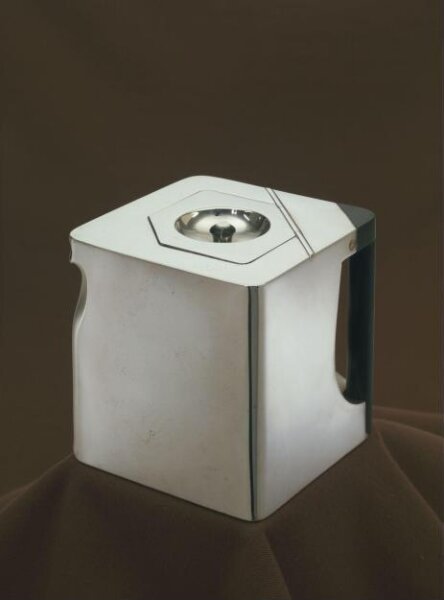
- /artworks/search?q=monet /artworks/27992 Sample IIIF image